Essential Gaming Accessories Every Console Gamer Needs (Complete 2026 Guide)
Console gaming has evolved dramatically over the past decade. Modern gaming systems like the PlayStation 5 and Xbox Series X deliver stunning graphics, immersive gameplay, and powerful performance. However, a console alone is not always enough to create the best gaming experience.
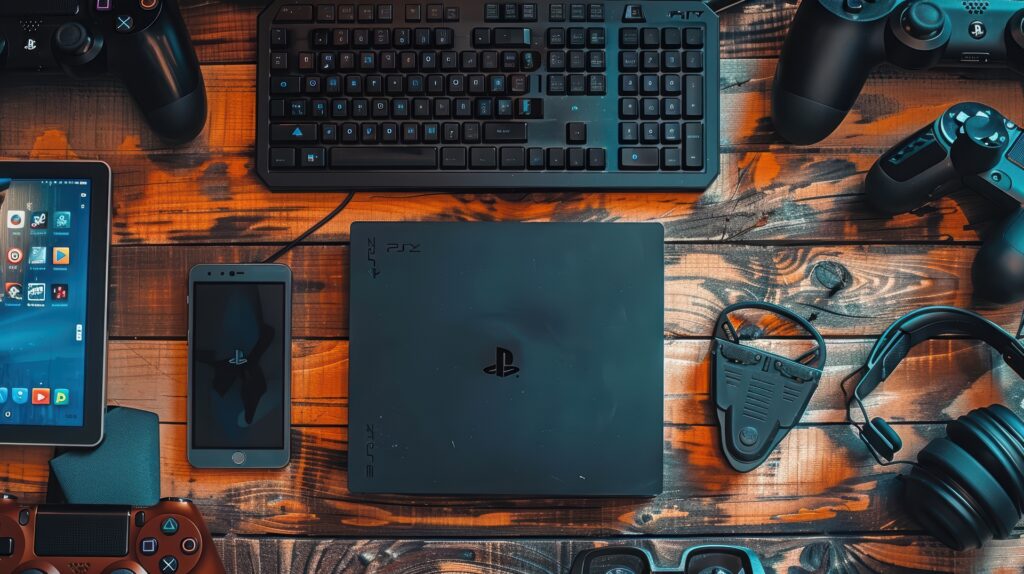
Gaming accessories play a huge role in improving comfort, performance, and overall enjoyment. Whether you are a casual gamer who plays occasionally or a competitive player who spends hours online, the right accessories can make your gaming sessions smoother and more enjoyable.
In this guide, we’ll explore the essential gaming accessories every console gamer should consider to build the perfect gaming setup.
Why Gaming Accessories Matter
Many gamers underestimate the importance of accessories. While consoles and controllers are the core of gaming, accessories enhance performance and convenience in several ways.
Gaming accessories can help you:
- Improve gameplay accuracy
- Communicate better with teammates
- Stay comfortable during long sessions
- Organize your gaming setup
- Extend the life of your gaming equipment
A well-equipped gaming setup can transform the way you play and help you get the most out of your console.
1. High-Quality Gaming Headset
A gaming headset is one of the most important accessories for console players.
Games today rely heavily on sound for immersion and competitive advantage. In many multiplayer games, hearing enemy footsteps or distant gunfire can help you react faster and win matches.
Popular competitive titles such as Call of Duty, Fortnite, and Apex Legends depend heavily on audio awareness.
Benefits of a Gaming Headset
A good gaming headset provides:
- Clear directional audio
- High-quality microphone for team communication
- Immersive surround sound
- Comfortable design for long gaming sessions
Many headsets also include noise-canceling microphones that reduce background noise during voice chat.
2. Controller Charging Dock
Console controllers rely on rechargeable batteries or battery packs. Running out of battery in the middle of a game can be frustrating.
A controller charging dock solves this problem by providing a convenient place to charge controllers when they are not in use.
Advantages of Charging Docks
Charging docks offer several benefits:
- Keep controllers fully charged
- Reduce cable clutter
- Provide organized storage for controllers
- Extend battery lifespan
Some docks can charge two controllers simultaneously, making them perfect for multiplayer households.
3. Thumbstick Extensions
Thumbstick extensions are small accessories placed on top of analog sticks.
These extensions increase the height of the stick, giving players more control and precision.
Why Gamers Use Thumbstick Extensions
Many competitive players prefer thumbstick extensions because they:
- improve aiming accuracy
- allow finer movement control
- reduce thumb fatigue
They are especially popular in first-person shooter games where precision aiming is important.
4. Gaming Monitor
Many console gamers play on televisions, but gaming monitors often provide better performance.
Modern gaming monitors offer faster refresh rates and lower input lag than most TVs.
Advantages of Gaming Monitors
Using a gaming monitor provides:
- faster response times
- smoother gameplay
- reduced motion blur
- lower input delay
For competitive gamers, even small reductions in input lag can improve reaction time.
5. External Storage Drives
Modern games are extremely large. Some titles can require over 100 GB of storage space.
Console storage can fill up quickly, forcing gamers to delete older games.
External storage drives allow players to store more games without deleting anything.
Benefits of External Storage
External drives provide:
- additional game storage
- faster game loading (depending on drive type)
- easier game management
They are especially useful for gamers with large digital game libraries.
6. Gaming Chair
Comfort is extremely important during long gaming sessions. Sitting for hours on a standard chair can cause discomfort or back pain.
Gaming chairs are designed to support posture and improve comfort.
Features of Good Gaming Chairs
Look for chairs that offer:
- adjustable height
- lumbar support
- reclining features
- ergonomic design
A comfortable chair allows gamers to play longer without physical strain.
7. Console Cooling Stands
Gaming consoles generate heat during long sessions. Excess heat can reduce performance and potentially damage hardware over time.
Cooling stands help improve airflow around the console.
Benefits of Cooling Stands
Cooling stands may include:
- built-in cooling fans
- vertical console support
- controller charging ports
They help maintain safe operating temperatures for your console.
8. High-Speed HDMI Cables
HDMI cables connect your console to your display.
While many consoles include basic HDMI cables, upgrading to a high-speed cable can improve video performance.
Advantages of High-Speed HDMI
High-quality HDMI cables support:
- 4K resolution
- higher refresh rates
- better signal stability
This ensures you get the best possible image quality from your console.
9. Controller Grips
Controller grips improve comfort and control during gameplay.
These accessories attach to the controller surface and provide better grip texture.
Why Gamers Use Controller Grips
Controller grips help:
- prevent slipping during intense gameplay
- reduce hand fatigue
- improve overall controller control
They are especially useful for competitive gamers who play for long periods.
10. Gaming Desk Setup
Although often overlooked, a well-organized gaming desk setup can significantly improve the gaming experience.
A proper setup provides enough space for accessories and keeps everything easily accessible.
Tips for a Better Gaming Setup
Consider including:
- cable management solutions
- proper lighting
- monitor stands
- storage for accessories
An organized setup improves comfort and reduces distractions during gameplay.
Tips for Choosing the Right Gaming Accessories
With so many accessories available, it can be difficult to decide which ones to buy.
Here are some tips to help you choose wisely.
Consider Your Gaming Style
Competitive gamers may prioritize:
- gaming monitors
- thumbstick extensions
- performance controllers
Casual gamers may focus more on comfort accessories like chairs and headsets.
Check Compatibility
Always ensure accessories are compatible with your console.
Accessories designed for PlayStation 5 may not always work with Xbox Series X.
Balance Quality and Budget
High-end accessories can be expensive, but budget options often provide excellent performance.
Focus on accessories that improve your gaming experience the most.
Final Thoughts
Gaming accessories are an important part of building the perfect console gaming setup. From high-quality headsets to gaming monitors and charging docks, the right accessories can enhance performance, comfort, and immersion.
By investing in essential gaming gear, console players can enjoy smoother gameplay, better communication with teammates, and a more comfortable gaming environment.
Whether you are playing casually or competing online, the right accessories help you get the most out of your gaming experience.