How to Improve Controller Aim for FPS Games (Complete Guide for Console Gamers)
First-person shooter (FPS) games are among the most competitive and exciting genres in modern gaming. Titles like Call of Duty, Fortnite, and Apex Legends demand precision, fast reflexes, and effective control. For console players, controller aim is a critical skill that can mean the difference between winning or losing a match.
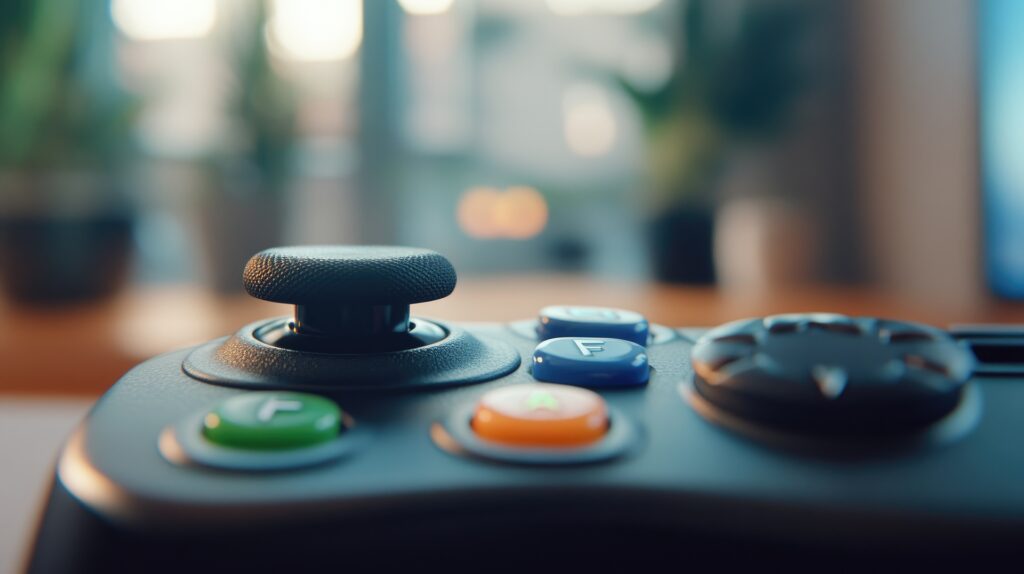
Unlike PC gamers who use a mouse for precise aim, console gamers rely on analog sticks—requiring a different set of techniques to develop accuracy and consistency. The good news is that with the right approach, tools, and training, anyone can improve their FPS aiming skills on a controller.
This guide will cover everything you need to know: from sensitivity settings and crosshair placement to advanced controller techniques and training routines.
Why Controller Aim Is Different From Mouse Aim
Controller aiming is fundamentally different from mouse aiming. The analog stick moves proportionally and requires fine motor control, while a mouse allows precise, pixel-perfect input.
Challenges of controller aiming include:
- Limited precision at long ranges
- Slower movement adjustments
- Thumb fatigue during long sessions
- Relying on aim assist mechanics
Understanding these differences is the first step toward improving your FPS performance.
Step 1: Adjust Your Controller Sensitivity
Controller sensitivity determines how fast your crosshair moves in response to analog stick input. Finding the right sensitivity is essential.
Low Sensitivity
- Pros: Easier to aim at distant targets; less overshoot
- Cons: Slower turning speed; harder to react to close-range threats
High Sensitivity
- Pros: Faster reaction time; easier to track fast-moving enemies
- Cons: Can lead to overshooting targets; less stable aim
Recommended Approach
- Start with medium sensitivity settings (often between 4–6 on a 10-point scale)
- Adjust gradually as your comfort and accuracy improve
- Customize differently for horizontal and vertical movement if your game allows
Step 2: Optimize Your Dead Zone Settings
The dead zone is the area around the analog stick’s center where no movement is registered.
- Lower Dead Zone: More precise aiming; stick reacts faster
- Higher Dead Zone: Reduces accidental movement but decreases responsiveness
For FPS games, many competitive players prefer a slightly lower dead zone to improve aim control. Experiment with small adjustments until your aim feels smooth.
Step 3: Master Crosshair Placement
Crosshair placement is one of the most overlooked aspects of FPS gameplay. Good placement can reduce reaction time and increase accuracy.
Tips for Effective Crosshair Placement
- Keep your crosshair at head level
- Anticipate enemy movement and common spawn points
- Move your aim only when necessary; avoid excessive flicking
- Adjust based on the map layout and sightlines
Players who consistently maintain optimal crosshair placement often have higher accuracy than those who rely on fast reflexes alone.
Step 4: Utilize Aim Assist Effectively
Console FPS games often include aim assist to help compensate for the limitations of analog sticks. Understanding aim assist mechanics can improve your performance.
Types of aim assist:
- Sticky Aim: Slows crosshair near an enemy to make tracking easier
- Snap Aim: Pulls your crosshair toward enemies when aiming
- Bullet Magnetism: Increases chance of hitting when aiming near the target
How to Use Aim Assist
- Keep your movements smooth
- Don’t overcorrect; trust the aim assist to help you land shots
- Learn the nuances of your game’s aim assist, as it varies between titles
Step 5: Practice Tracking and Flick Shots
There are two main types of aiming techniques in FPS games:
1. Tracking
- Following a moving target smoothly with your crosshair
- Useful for automatic weapons and mid-range combat
Tips for Tracking:
- Use fluid, small stick movements
- Focus on predicting enemy movement
- Avoid overcompensating, which can throw off accuracy
2. Flick Shots
- Quick, precise movements to hit targets at short notice
- Commonly used with sniper rifles and fast engagements
Tips for Flick Shots:
- Practice quick swipes while maintaining control
- Combine with good crosshair placement for maximum efficiency
Step 6: Improve Your Controller Grip
How you hold your controller affects aim and comfort.
Popular Controller Grip Styles
- Standard Grip: Basic thumb placement; comfortable for casual gaming
- Claw Grip: Allows pressing additional buttons without removing thumbs from sticks
- Paddle Controllers: Custom controllers with rear paddles improve input speed
The right grip minimizes fatigue and allows for faster, more precise input.
Step 7: Train Regularly With Aim Drills
Skill improvement requires consistent practice.
Training Options
- Use training modes in your FPS game
- Play in custom lobbies focusing on aim
- Utilize aim trainer apps on PC or mobile (even for console gamers)
Practice Routine
- 15–20 minutes daily on tracking and flick shots
- Warm-up before competitive matches
- Focus on slow, deliberate practice before speed
Step 8: Optimize Your Gaming Setup
Your setup affects aiming performance as much as your controller settings.
Monitor or TV
- Gaming monitors often have lower input lag than standard TVs
- Faster refresh rates improve responsiveness
Controller Accessories
- Thumbstick extensions and grips enhance precision
- Charging docks ensure your controller is always ready
- High-quality cables reduce signal lag for wired play
A proper setup reduces strain and increases accuracy during long sessions.
Step 9: Maintain Calm and Focus During Gameplay
Many missed shots are due to panic or overreaction.
- Keep your crosshair steady
- Don’t spam the stick; use measured movements
- Focus on anticipation and reaction simultaneously
Mental discipline is just as important as mechanical skill.
Step 10: Analyze Your Gameplay
Improving aim is easier when you review your gameplay:
- Record your sessions
- Identify mistakes in crosshair placement
- Track reaction time and missed shots
- Adjust sensitivity and technique based on patterns
Self-analysis accelerates improvement faster than random practice.
Common Mistakes That Reduce Controller Aim
- Constantly changing sensitivity settings
- Ignoring crosshair placement
- Overcorrecting stick movements
- Playing long sessions without breaks (causing fatigue)
Avoiding these mistakes helps develop consistent muscle memory.
Final Thoughts
Improving your controller aim in FPS games is a combination of settings optimization, technique, practice, and setup improvements.
By:
- adjusting sensitivity and dead zones
- mastering crosshair placement
- practicing tracking and flick shots
- using the right grip and accessories
- maintaining focus
You can elevate your console FPS performance and enjoy more victories.
Even small adjustments can result in a significant increase in accuracy, and consistent practice will transform your gameplay from average to professional-level precision.